Book Demo
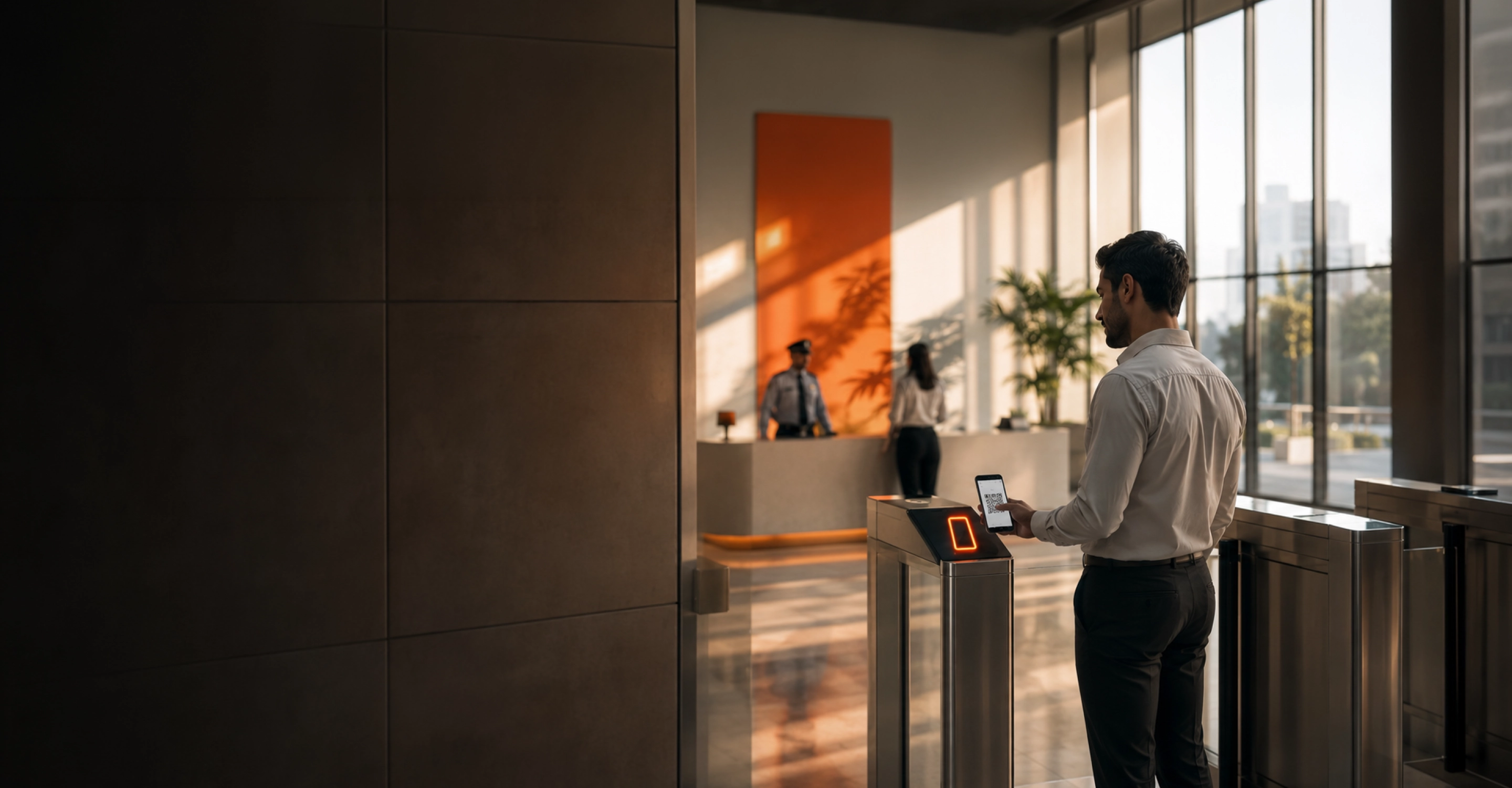
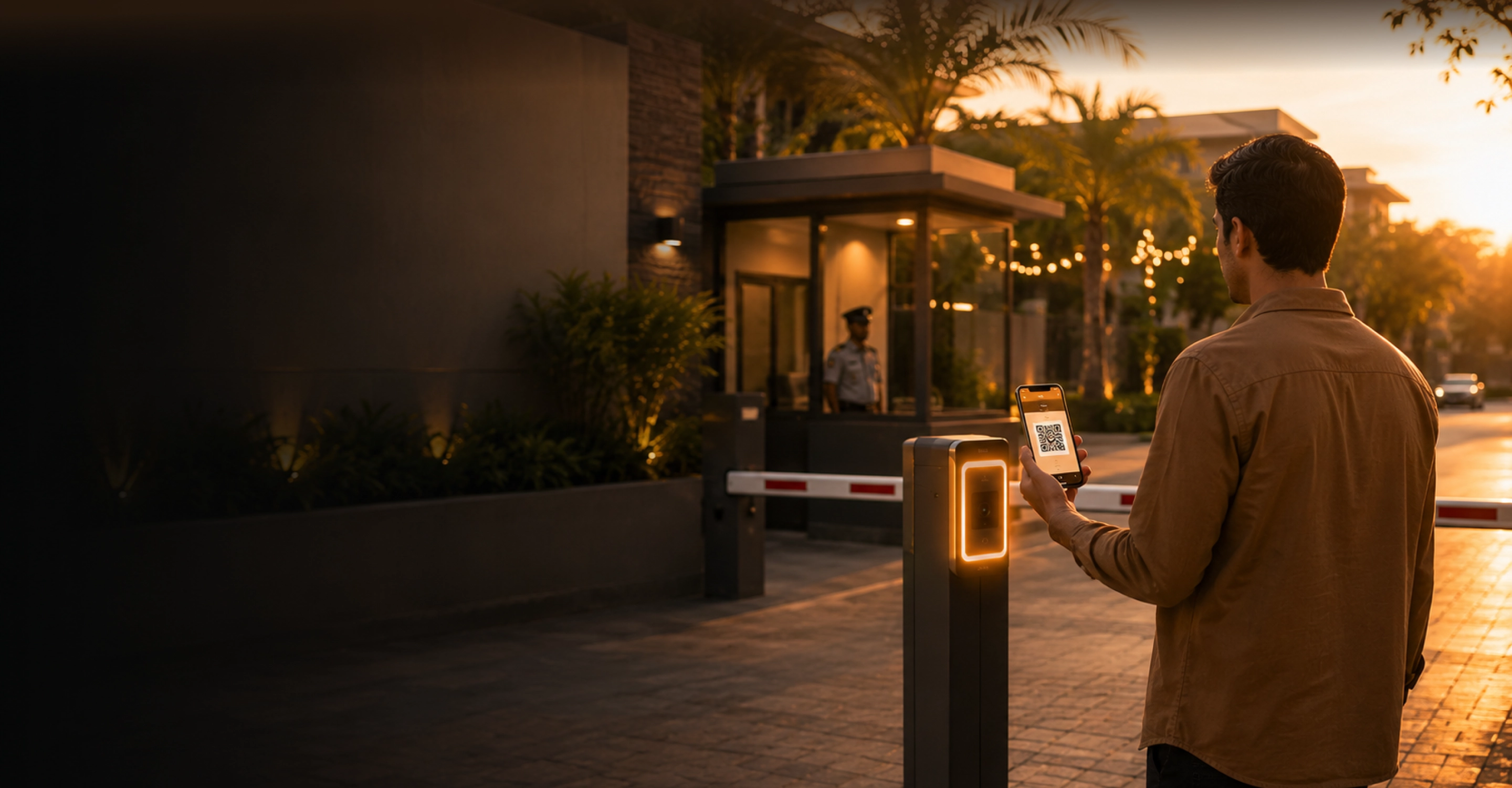
Corporate lobby turnstile with a visitor checking in by QR code Resident scanning a QR pass at a gated community entrance

👉 Start Here — Choose Your Property Type

Secure Every Visitor.
Simplify Every Entry.

Secure Every Guest.
Simplify Every Homecoming.

QR-based, host-approved entry for corporate towers — visitor registration, contractor access, and meeting rooms, governed from one admin console.

Residents approve guests, staff and deliveries from their phone, while guards verify every entry at the gate.

Available on App Store & Google Play | Enterprise Ready | Cloud Base | Multi-Language
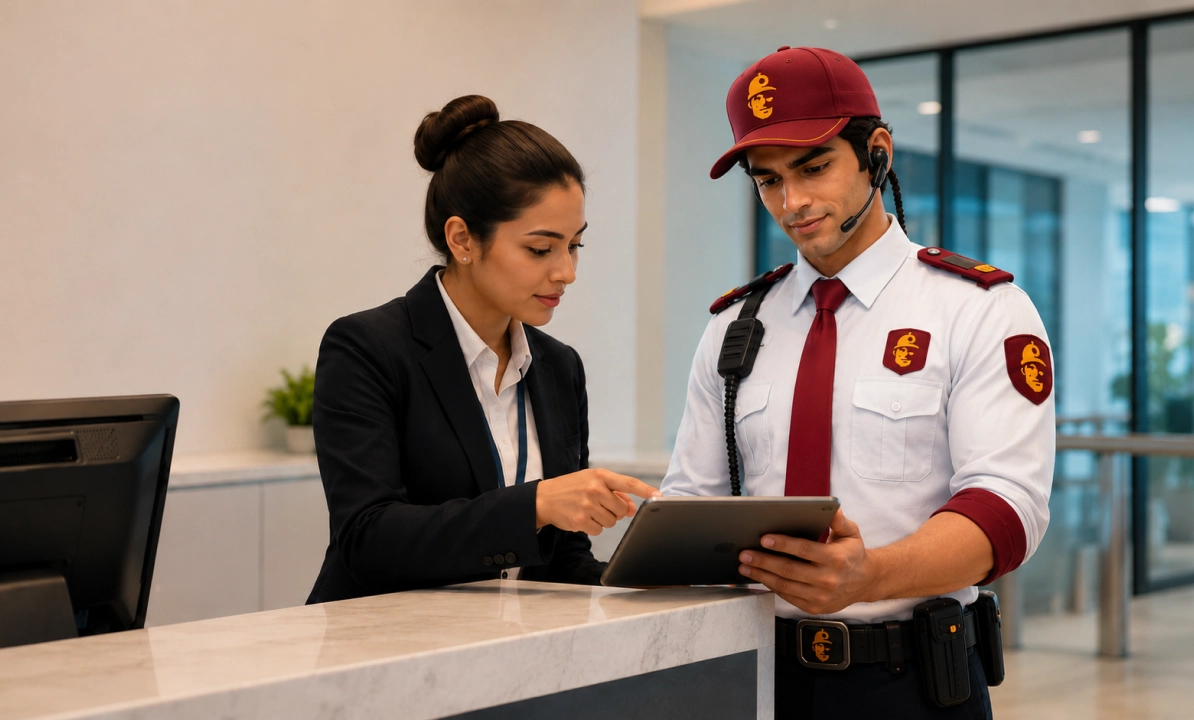
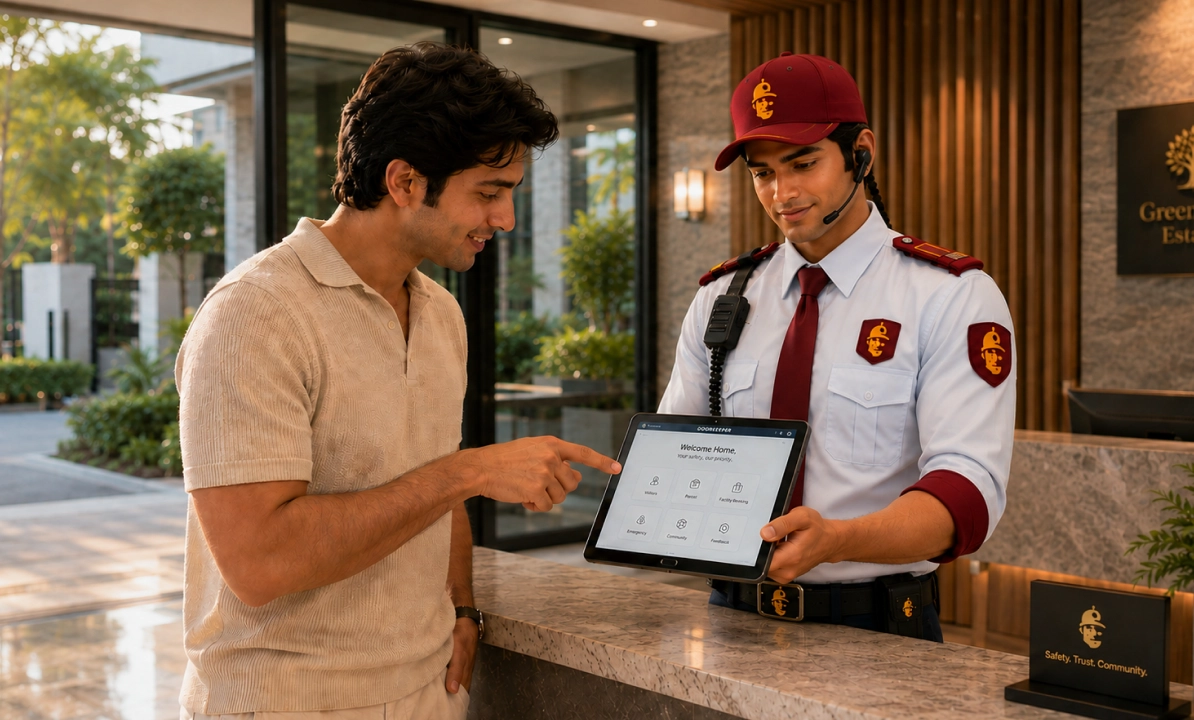
Receptionist and security guard reviewing visitor check-in on a tablet Resident approving a guest with a gated-community guard at the desk

Company Vision

To be the world's most trusted security platform for every space.

A future where every gated community runs on one verified identity, from the first hello to the last delivery.

About Us

Built For Towers That Never Stop Moving

Built For Gates That Never Stop Opening

Doorkeeper is redefining how modern spaces manage visitors, residents, and deliveries. Our platform brings security, automation, and convenience together in one intelligent system.

Doorkeeper replaces the illegible security register and missed gate calls with one verified flow — so nothing about who enters your community depends on memory.

Company Mission

To deliver smart, secure, and seamless experience for every building.

Put the guest approval in the resident's pocket and the record in the guard's hand — so gate entry never depends on memory.

Get real-time alerts, approve guests instantly — download the Doorkeeper app.

Get the App

150+

Corporate Towers Live

2M+

Visitors Manage Monthly

<90 Sec+

Average Check-In Time

99.9%+

System Uptime

300+

Gated Communities Live

5M+

Guests Approved

<60 Sec+

Average Gate Entry

24/7

Guard Console Support

Everything You Can Manage

Built For Towers With Many Hosts, One Desk

Built For Communities With Many Gates, One Record

Visitor management is the core. Amenities, access and emergency response extend it — on the same identity, the same records, the same gate.

Visitor management is the core. Deliveries, staff and emergency response extend it — on the same identity, the same records, the same gate.

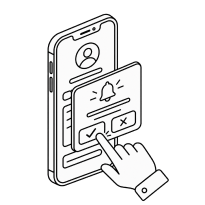
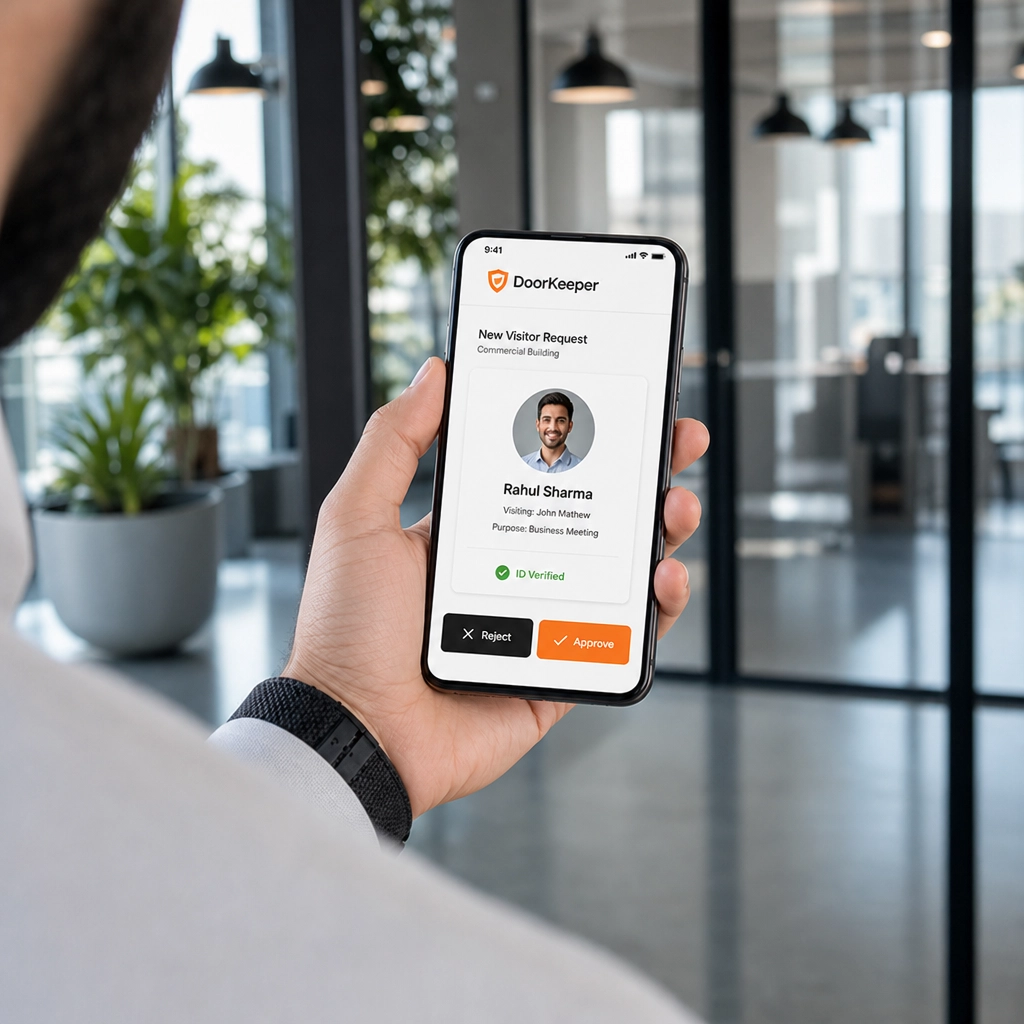
Employee viewing a visitor request on a phone

Employee-Hosted Visits

Employees invite and approve their own guests in one tap — no front-desk bottleneck.

Employee-Hosted Visits

  • Employee sends a pre-invite from the app with visitor name and time
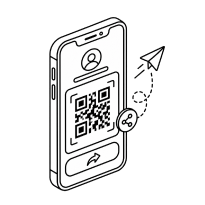
  • Visitor gets a QR pass automatically via SMS/WhatsApp
  • Host gets a live notification the moment their guest checks in
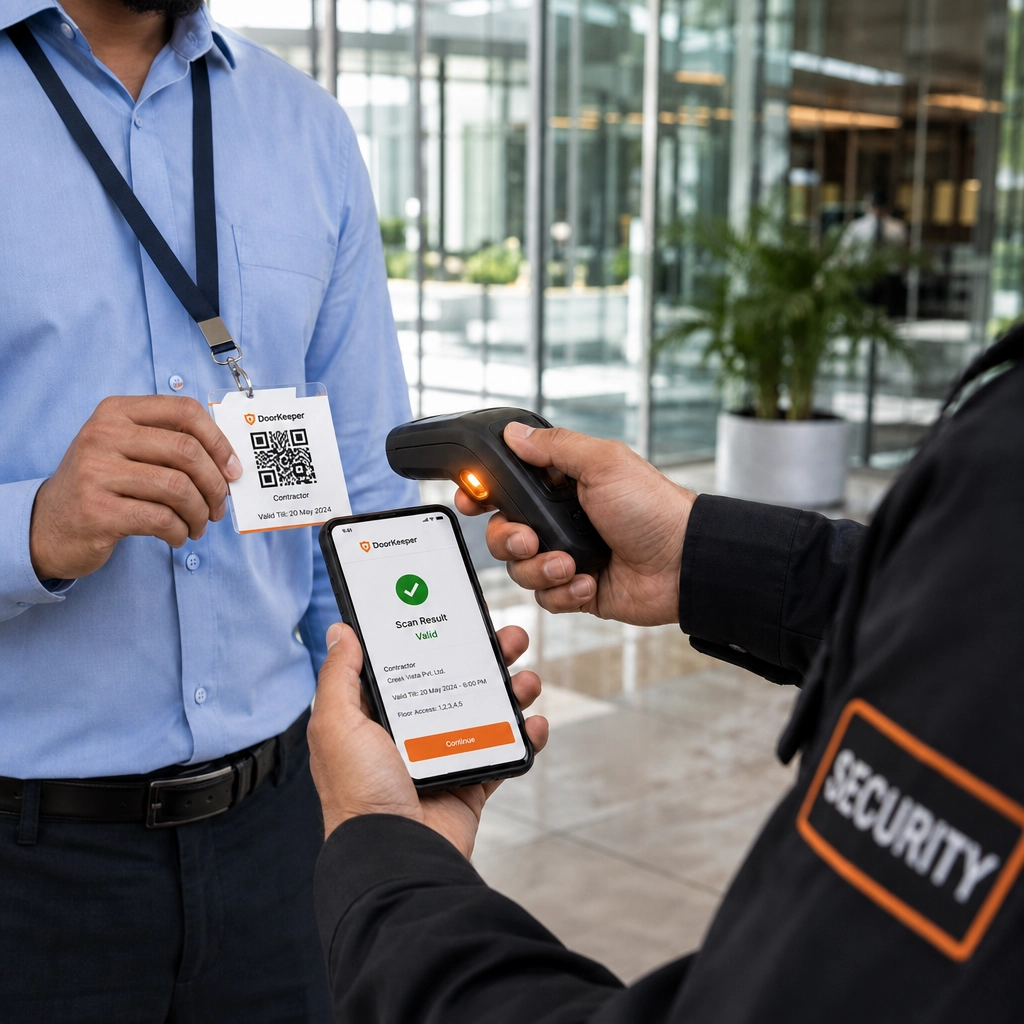
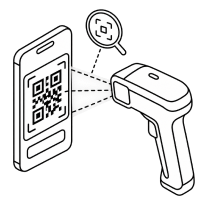
Security scanning a contractor's QR badge

Contractor & Vendor Access

Time-bound passes for contractors and vendors, scoped to specific floors or entry windows.

Contractor & Vendor Access

  • Admin sets a validity window (single day, or recurring for a project)
  • Pass auto-expires — no manual revoke needed
  • Scoped to specific floors, so access stays restricted
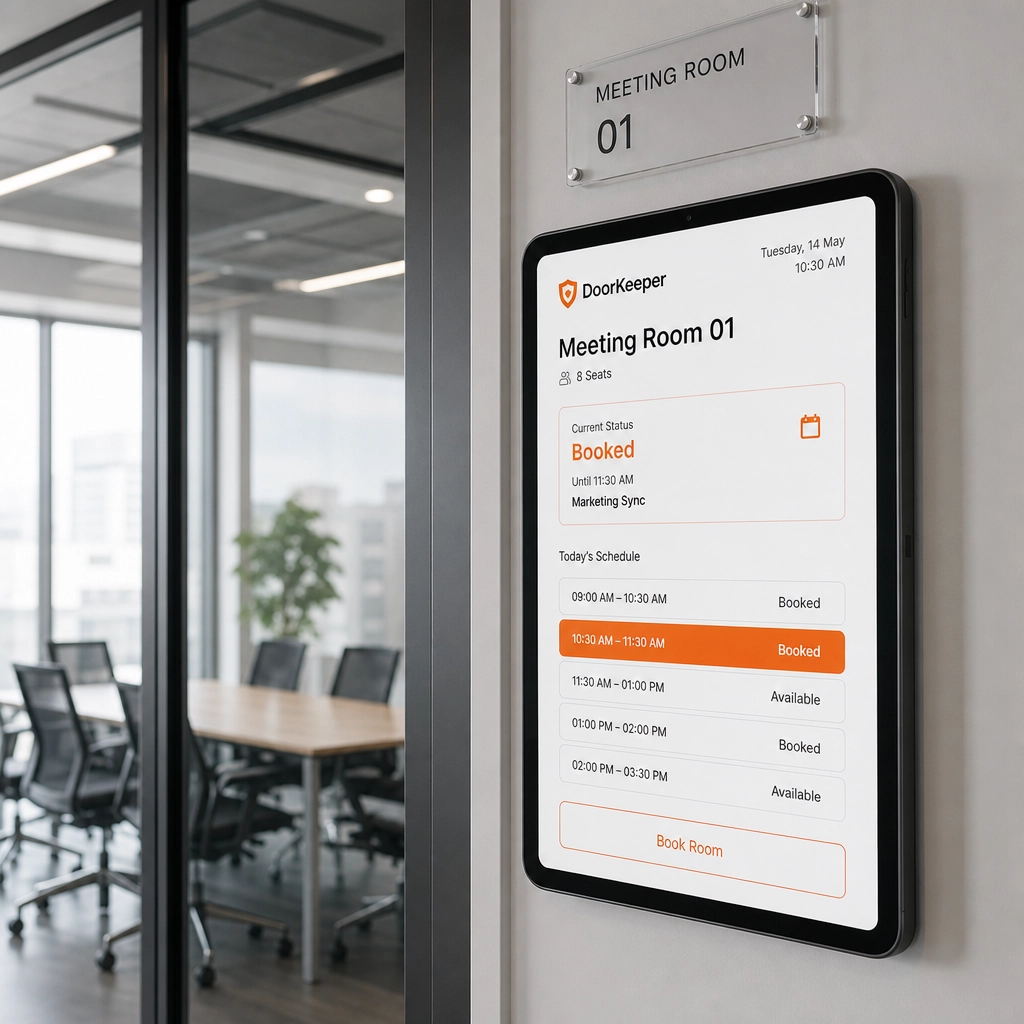
Meeting room booking shown on a tablet outside a conference room

Amenity Booking

Meeting rooms, conference halls, clubhouse and gym reserved in seconds with conflict-free slots.

Amenity Booking

  • Real-time room/hall calendar synced across all towers
  • Double-booking blocked automatically at the slot level
  • Booking confirmation and reminder sent to the host's phone
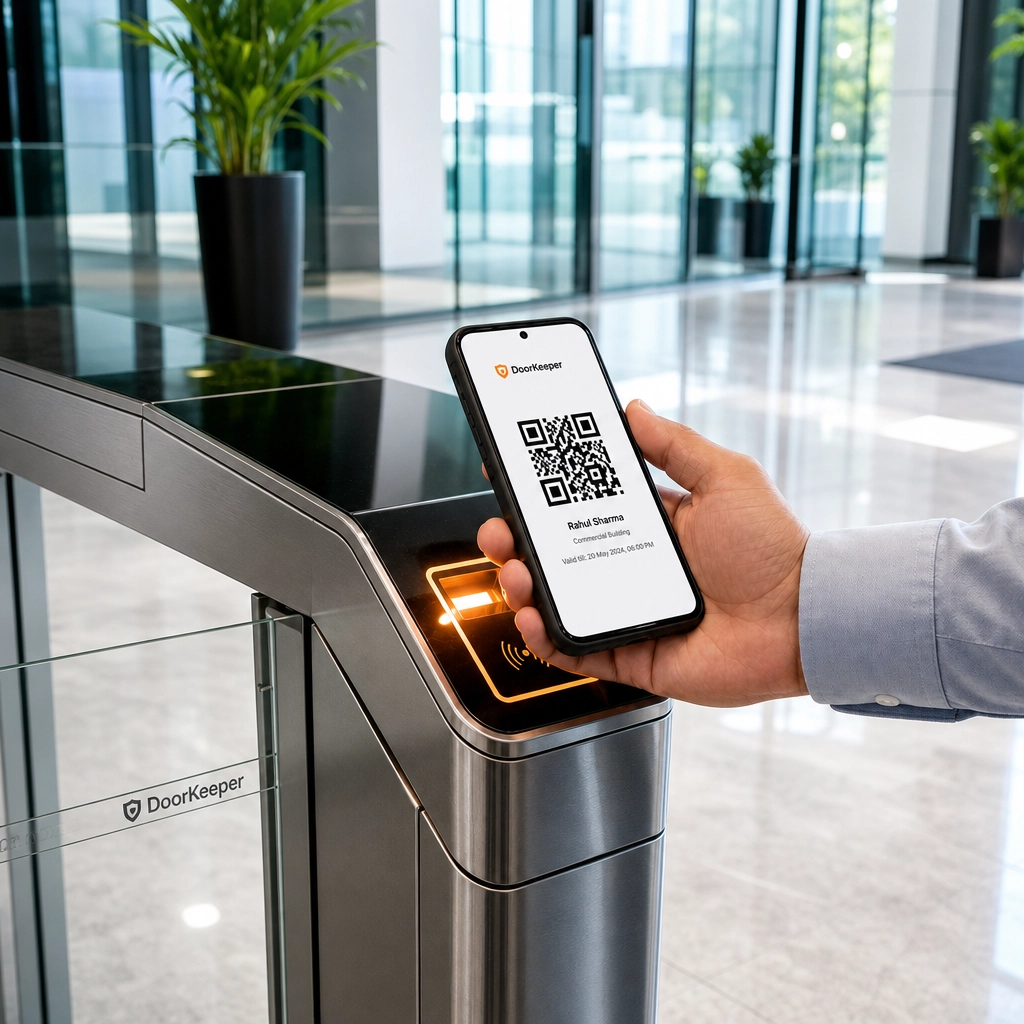
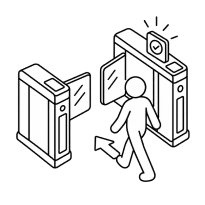
Visitor scanning a QR pass at a turnstile

Access Control Integration

QR passes sync with the turnstiles and boom barriers already installed at reception.

Access Control Integration

  • QR pass talks directly to your existing turnstile/barrier hardware
  • No rip-and-replace — works with most standard access controllers
  • Entry logged the instant the gate opens, not after
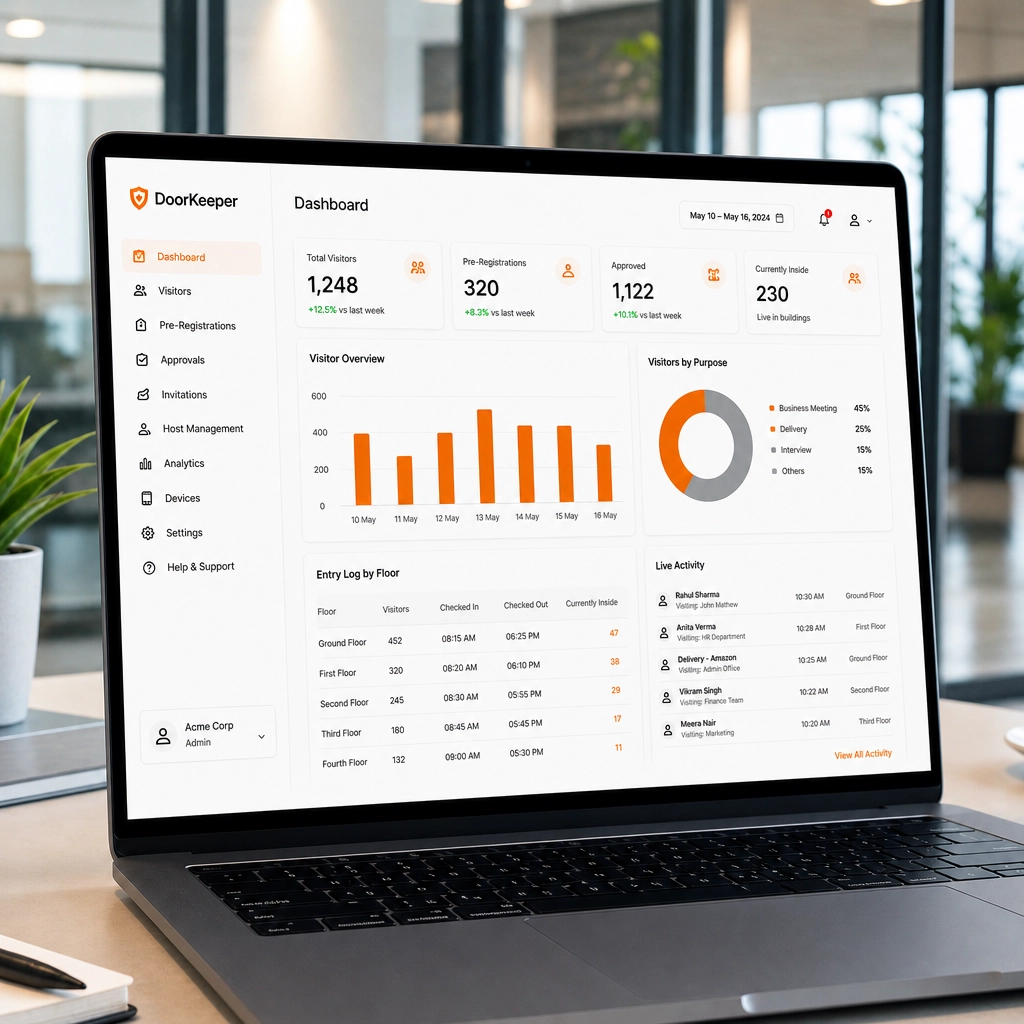
Visitor analytics dashboard on a laptop

Reporting & Analytics

Entry and exit logs, dwell time, and visitor patterns across every tower, in one dashboard.

Reporting & Analytics

  • Every entry/exit auto-logged with timestamp and photo ID match
  • Dashboard breaks down visitor volume by tower, floor, and hour
  • Exportable reports for compliance or audits, one click
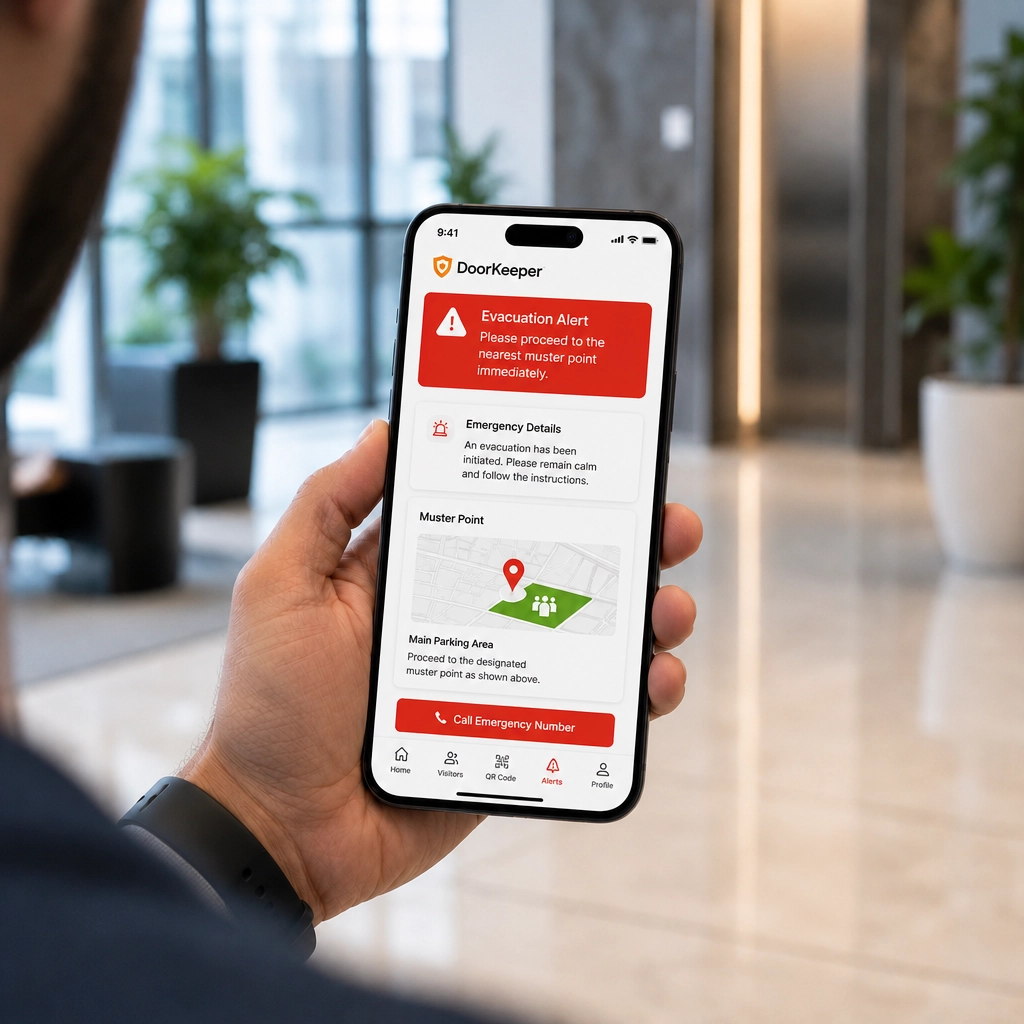
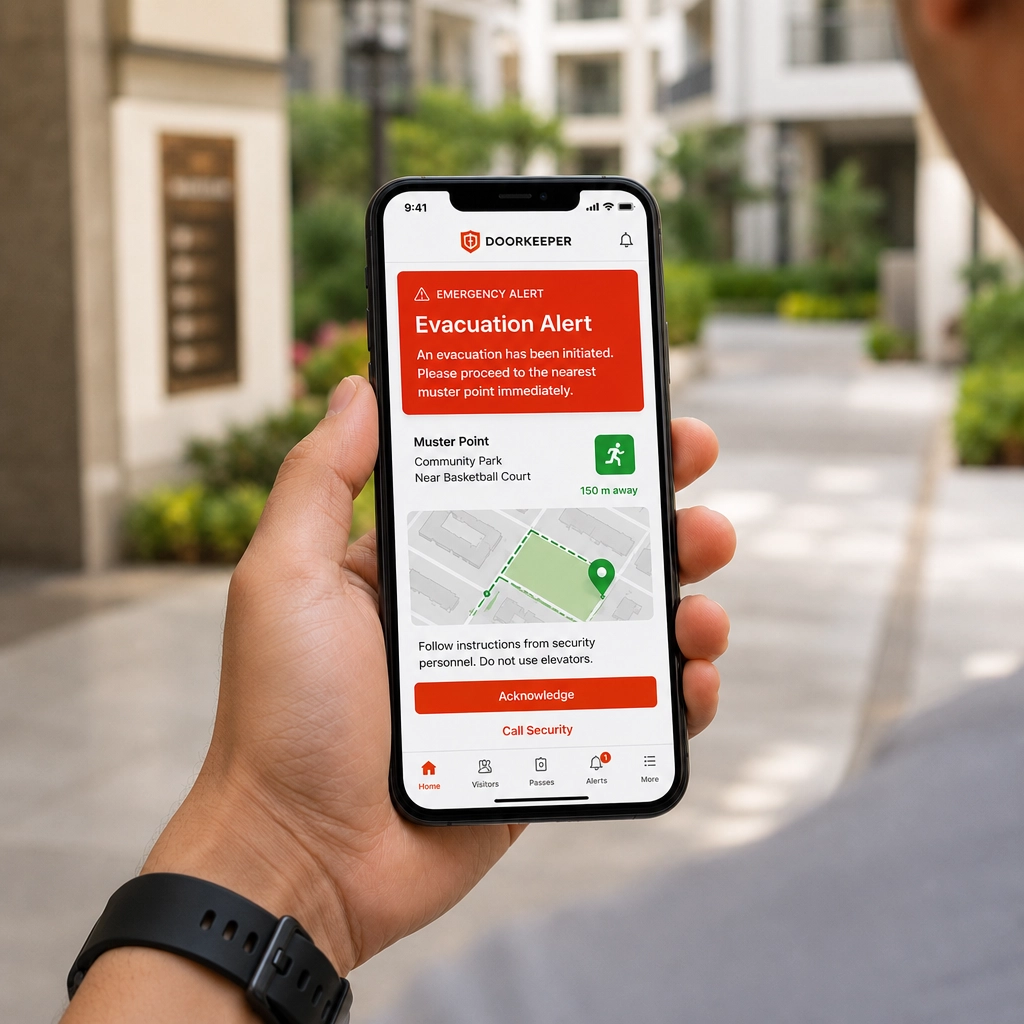
Emergency evacuation alert shown on a phone

Emergency Alerts

Fire and medical alerts broadcast instantly, with live headcount at muster points.

Emergency Alerts

  • One tap from admin broadcasts to every resident, host, and guard
  • Live headcount pulled from muster-point check-ins, updated in real time
  • Alert history logged for post-incident review
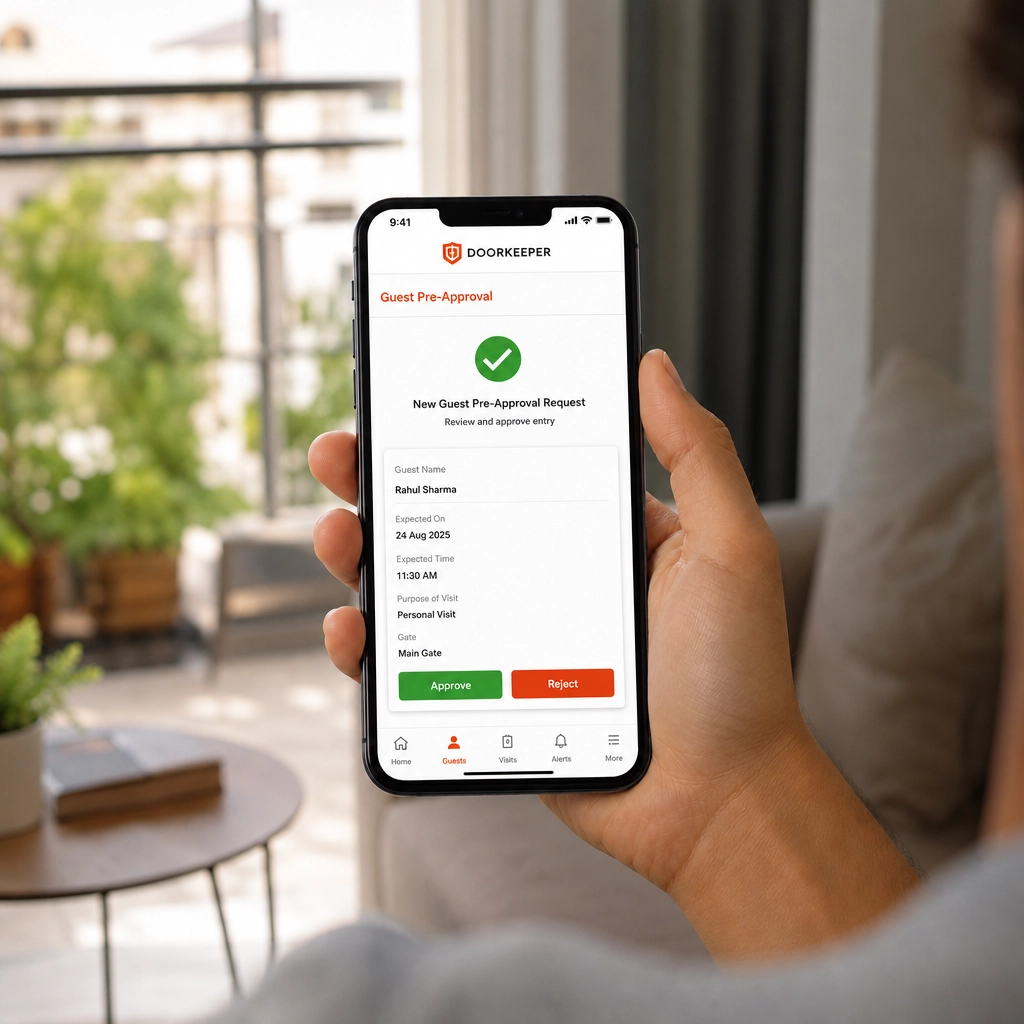
Resident approving a guest pre-approval request on a phone

Guest Pre-Approval

Residents invite guests ahead of time, or approve walk-ins instantly from the app.

Guest Pre-Approval

  • Resident invites from the app, or approves a walk-in in one tap
  • Guest gets a QR pass instantly — no gate call needed
  • Approval expires automatically once the guest's visit window ends
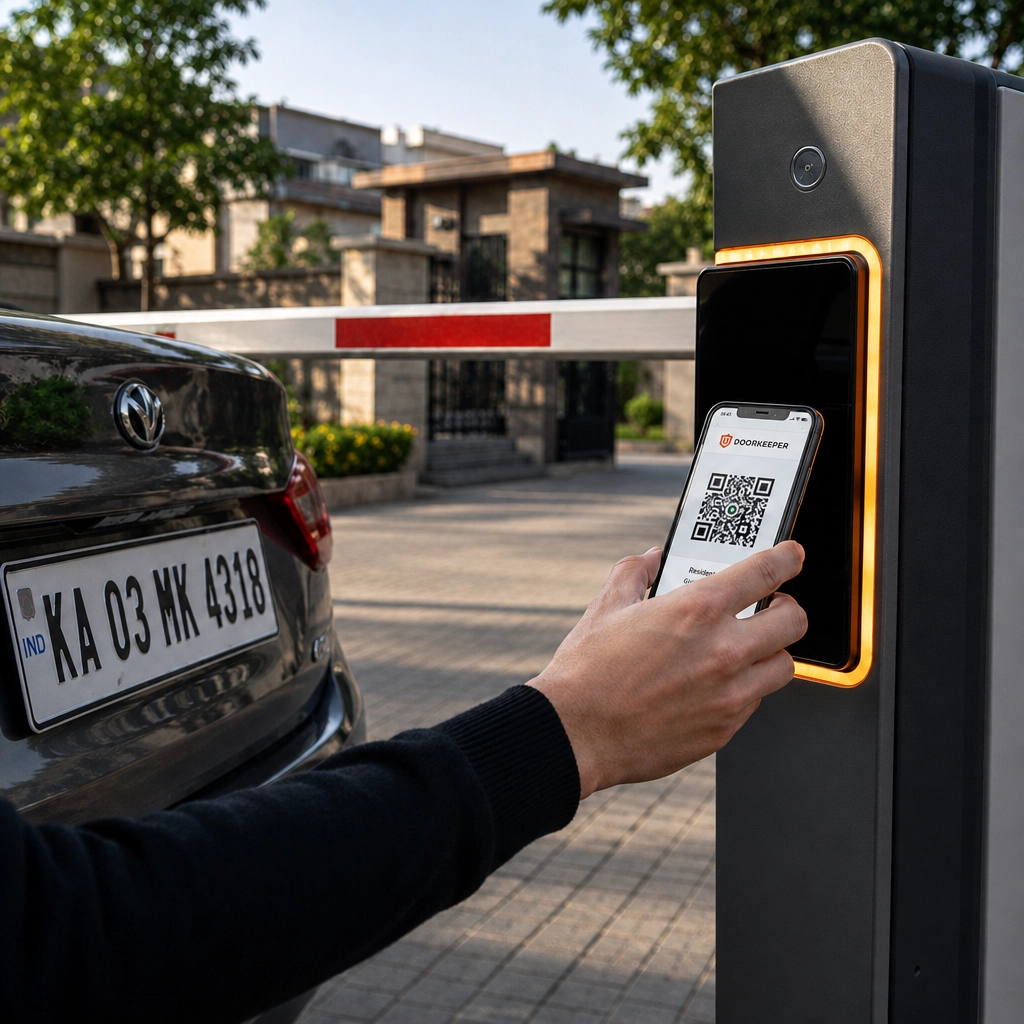
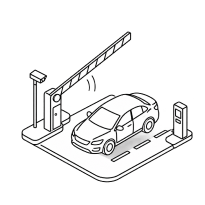
Car approaching a boom barrier with QR scan

Gate Access Control

RFID, QR, or number-plate recognition opens the barrier for approved entries automatically.

Gate Access Control

  • RFID sticker, QR code, or number-plate recognition — resident's choice
  • Barrier opens automatically for approved entries, no guard action needed
  • Every open/close event logged with timestamp
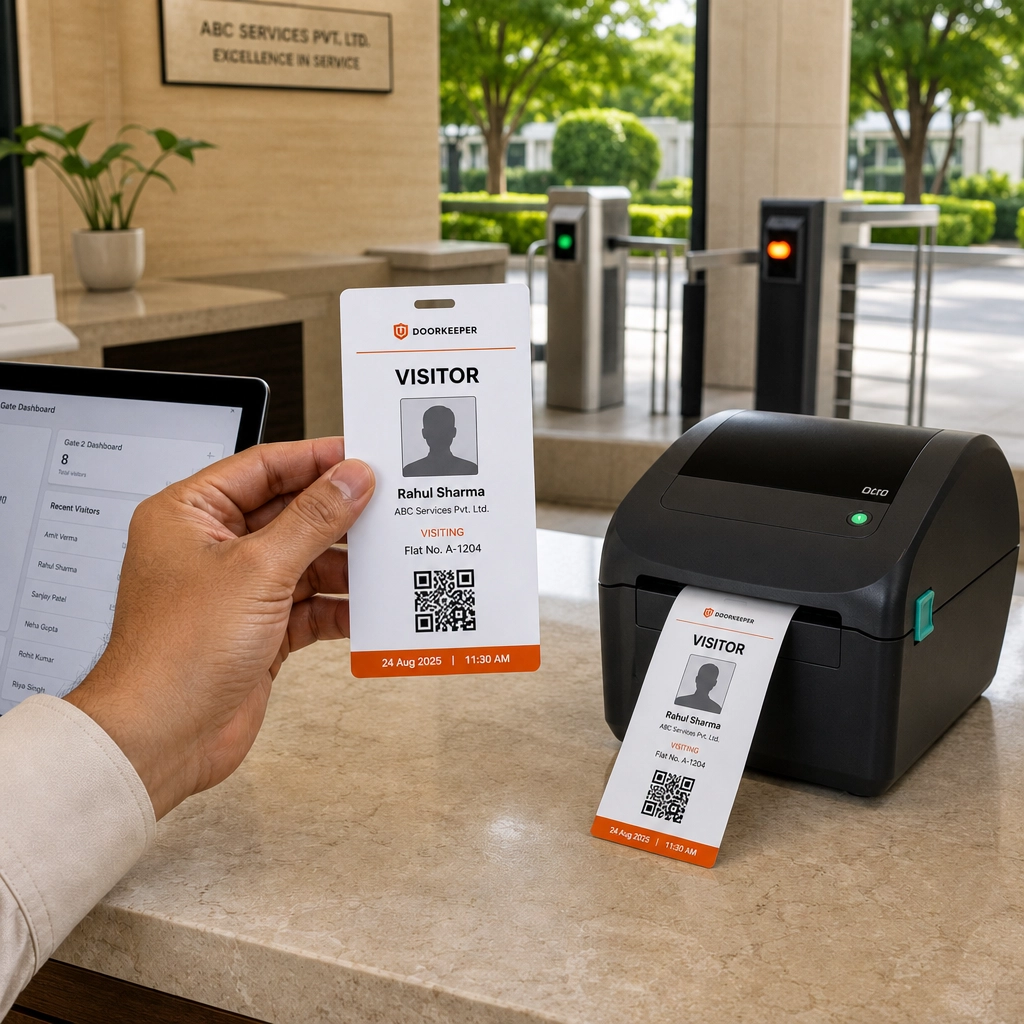
Printed visitor badge being issued at the gate

Visitor Badges

Photo-printed badges issued at the gate for easy identification inside the community.

Visitor Badges

  • Guard scans the QR, badge with photo prints instantly at the gate
  • Badge is only valid for that single visit window
  • Makes unregistered guests visually obvious inside the community
Evacuation alert with muster point map on a phone

Emergency Broadcast

Fire, medical and evacuation alerts reach every resident and guard, with live muster headcount.

Emergency Broadcast

  • One tap from the security desk alerts every resident and guard at once
  • Muster-point check-in gives a live headcount during the event
  • Push notification plus SMS fallback, so no one misses it
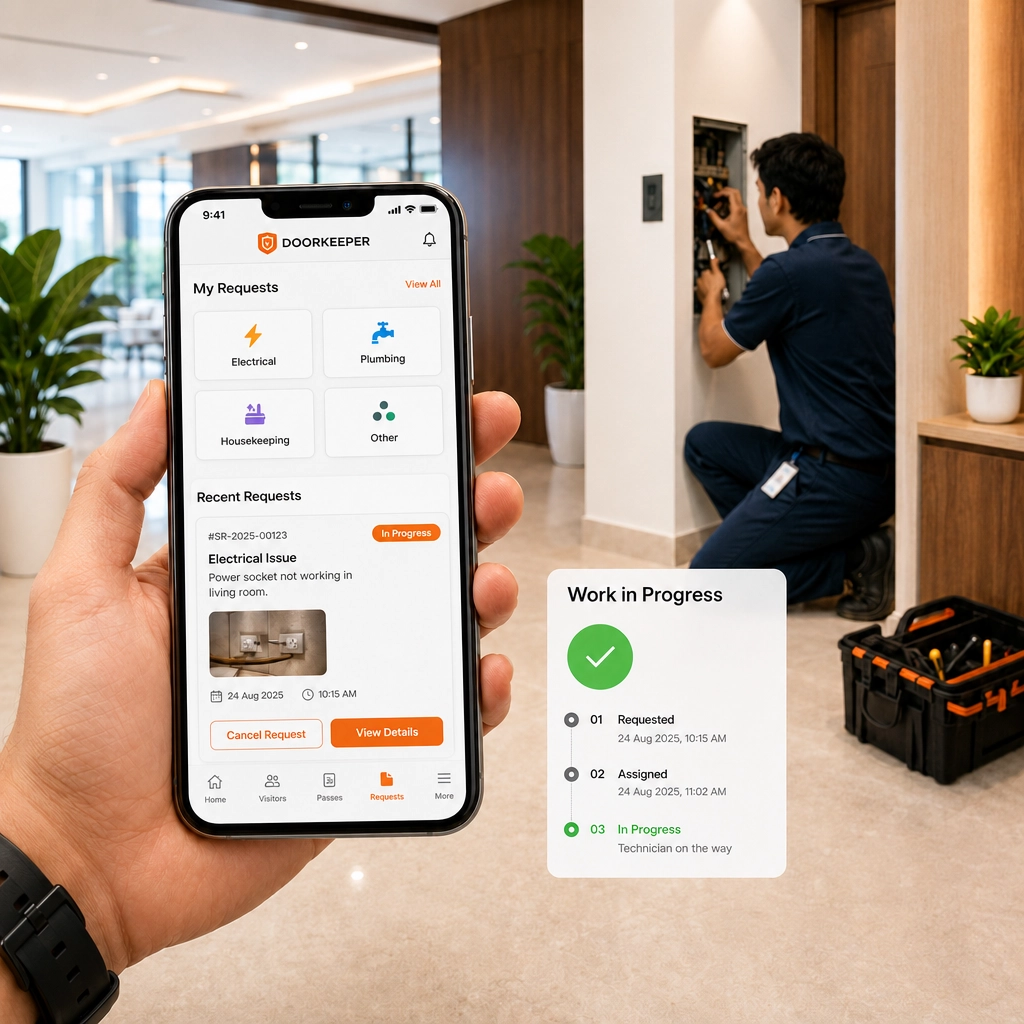
Maintenance service request being tracked on a phone

Service Requests

Residents raise housekeeping, electrical and maintenance requests, tracked to closure.

Service Requests

  • Resident raises a request (electrical, plumbing, housekeeping) from the app
  • Auto-assigned to the right staff member with an SLA timer
  • Resident gets status updates until it's marked resolved
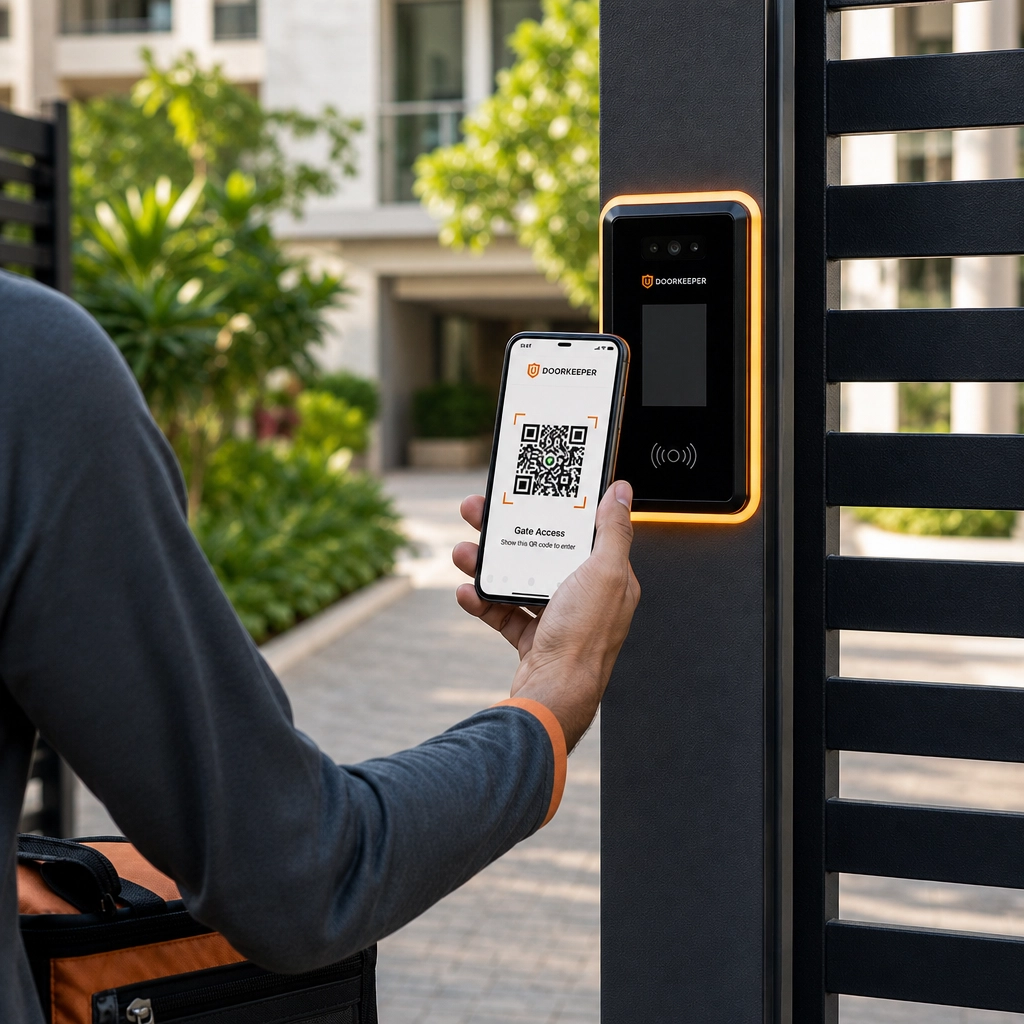
Staff member scanning a QR entry pass at a side gate

Staff & Vendor Entry

Domestic help, delivery, and cab drivers logged and time-bound, without repeat paperwork.

Staff & Vendor Entry

  • Domestic staff get a recurring pass valid for set days/hours
  • One-time vendors and cabs get a single-use, auto-expiring QR
  • No repeat paperwork — the same profile is reused each visit
Security guard at a corporate turnstile at night Guard at a gated-community entrance at night

Product Demo

See A Visitor Move Through In Real Time

See A Guest Get Approved In Seconds

Pre-invite to turnstile — watch how a corporate front desk verifies a guest without a single phone call.

From the gate to the resident's phone — watch how Doorkeeper turns a knock at the gate into a logged, approved entry.

How It Works

Five Steps, Under Ninety Seconds

From the first invite to the turnstile opening — every visitor, contractor, and guest moves through one verified flow.

From the first invite to the barrier opening — every guest, vendor, and delivery moves through one verified flow, checked at the gate.

Step 01

Visitor pre-invites or walks in

Sent a pre-invite link, or self check-in at the reception kiosk.

Step 02

Host approves

Employee approves from mobile — one tap, with reject or reschedule.

Step 03

QR pass generated

Time-bound pass issued over SMS, WhatsApp, or email.

Step 04

Security verifies

Reception guard scans the pass and matches photo ID.

Step 05

Visitor enters

Turnstile opens, badge prints, entry is logged to the tower's record.

Step 01

Resident invites a guest

Pre-invite from the app, or the guest self-registers at the gate.

Step 02

Resident approves

One tap from mobile — residents can reject or reschedule just as easily.

Step 03

QR pass generated

Time-bound pass issued over SMS, WhatsApp, or email.

Step 04

Guard verifies

Security scans the pass and confirms photo ID at the gate.

Step 05

Guest enters

Boom barrier opens, resident is notified in real time, entry is logged.

Get In Touch

Tell Us About Your Towers

Tell Us About Your Society

Share a few details and our team will map out a rollout plan — hardware check, staff training, and a go-live date, usually inside two weeks.

Share a few details and our team will map out a rollout plan — hardware check, guard training, and a go-live date, usually inside two weeks.

  • Response within 24 hours
  • No cost, no obligation site visit
  • Works with your existing turnstiles
Priya Kapoor

Priya Kapoor

Enterprise Solutions Lead

Responds within 4 business hours

By submitting, you agree to be contacted by our sales team regarding Doorkeeper.

Doorkeeper security guard beside an access-control camera Doorkeeper security guard beside a gate access-control camera

Everything You Can Manage

Ready To Modernise Visitor Management Across Your Towers?

Ready To Modernise Entry Across Your Society?

Go live across your towers in under two weeks — hardware-friendly, staff trained, records migrated.

Go live across your society in under two weeks — hardware-friendly, guards trained, records migrated.